
A countdown that is right EVERY time it is opened
The timer is drawn fresh at the moment someone opens the email. Tuesday or Thursday, it shows the true time left. After the deadline it switches to your "doors closed" words by itself.
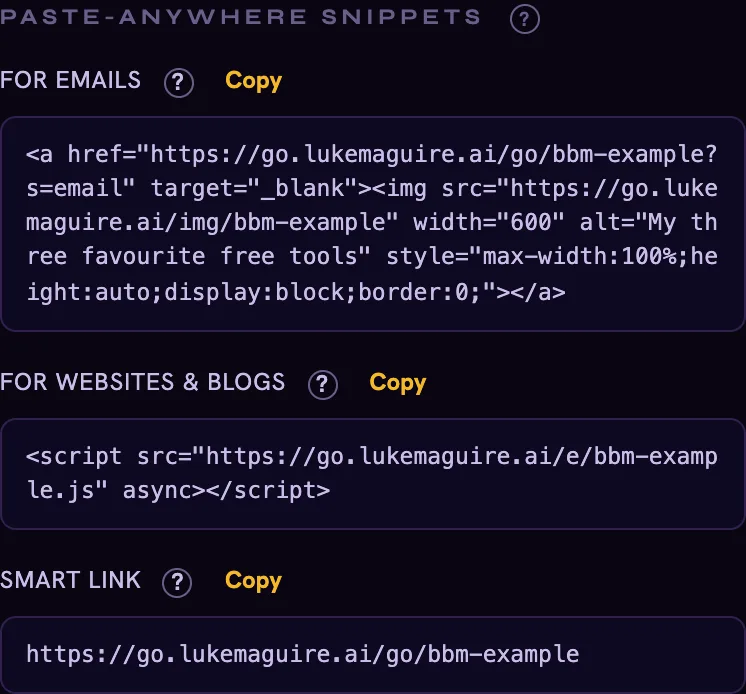
Put ONE BillboardMate snippet in your emails, blog posts and bio. From then on you control what every one of them shows, from one screen. Swap the banner once and it changes everywhere, even in emails already sitting in inboxes.
Loading the live numbers…
That email from last March still gets opened. That blog post from two years ago still gets found. And the banner inside it? Still pushing a launch that closed ages ago, or a link that goes nowhere.
You paid to earn that attention once. Then the sign went blank.
Doors close FRIDAY (last chance)
Flip the billboard with the buttons below. Then look around. Same banner, four different places, and you did not touch a single one of them.
The 3 tools I cannot work without
How I plan a launch in one afternoon
Nobody re-sent that email. Nobody edited that post. You changed ONE thing, in ONE place.
A board is ONE ad: a banner, plus the link it sends people to. Upload your own banner or build one in the Banner Maker that is already inside. No designer, no files to juggle.
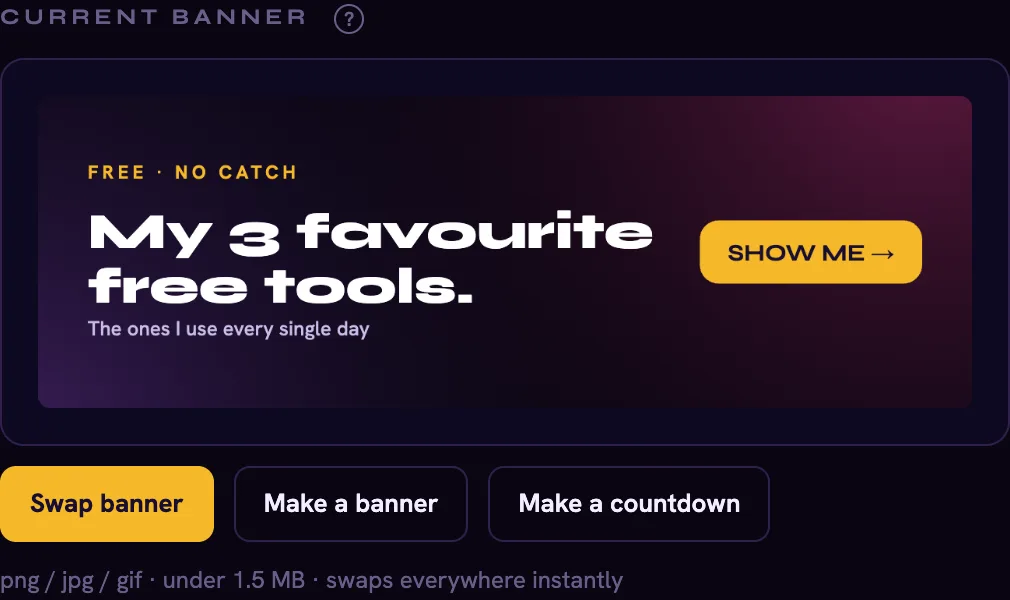
Copy the snippet. Paste it into your email template, a blog post, your bio, or drop the QR code on a slide. That is the last time you ever touch that spot.
New launch? New link? Swap it from your phone. Every place you ever pasted that snippet follows along by itself. You can even set the change tonight and let it flip while you sleep.
Every picture below is the real thing, made by BillboardMate, not a mock-up.
The timer is drawn fresh at the moment someone opens the email. Tuesday or Thursday, it shows the true time left. After the deadline it switches to your "doors closed" words by itself.
Three offers, one spot. Your banners take turns, and each one is whatever that board shows today.
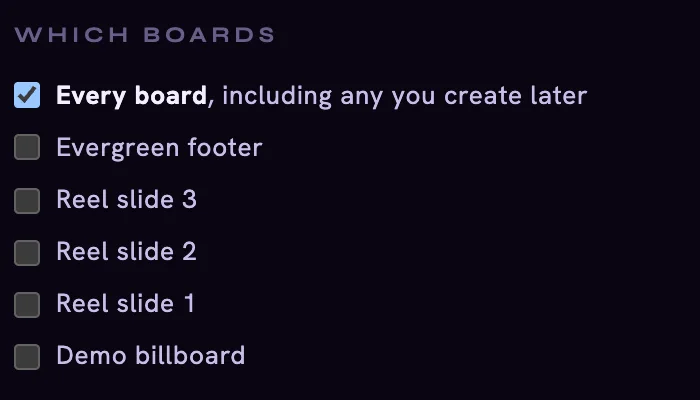
ONE switch puts your launch banner and link on every board you own. When the launch ends, everything goes back to normal by itself. Nothing gets overwritten.
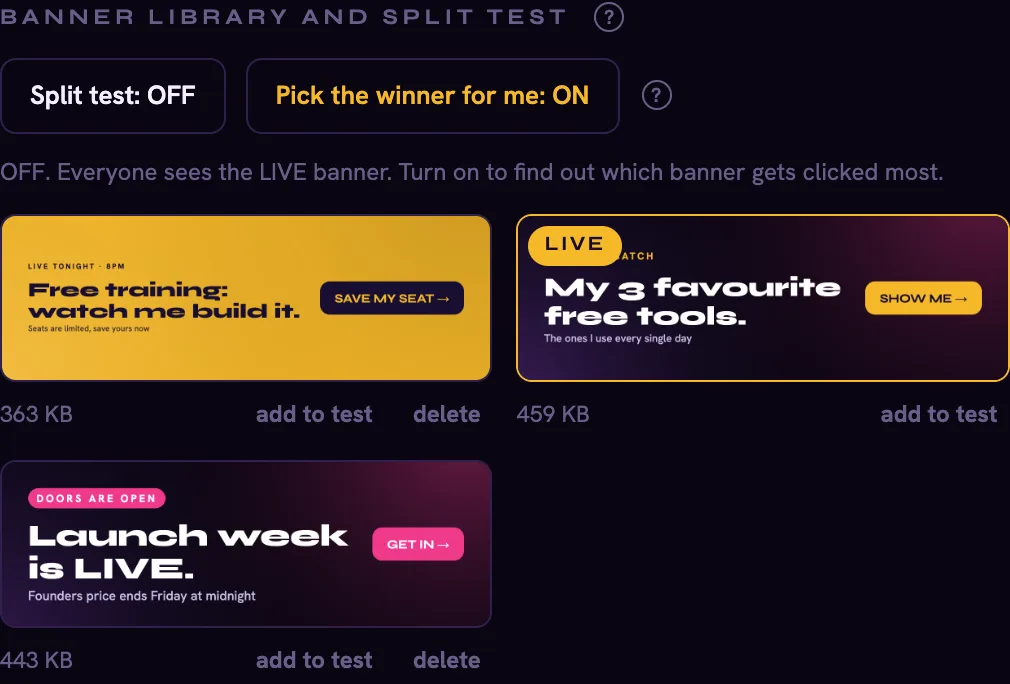
Add two or three banners and switch on a split test. The moment one is a clear winner, BillboardMate makes it live and tells you why.
Example numbers. B wins, B goes live.
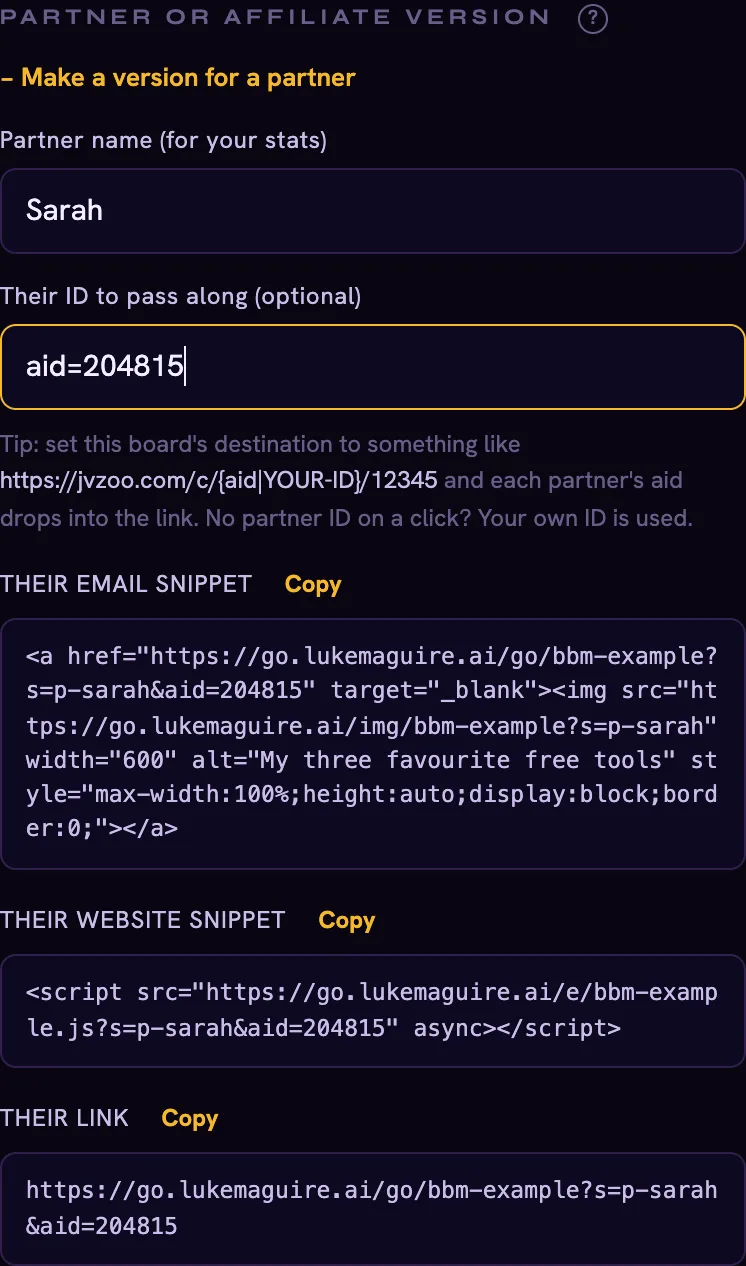
Give any partner their own version. Their ID rides along on every click and their numbers are counted separately. But YOU still control the banner and the link. Next launch, change one thing and every affiliate page follows.
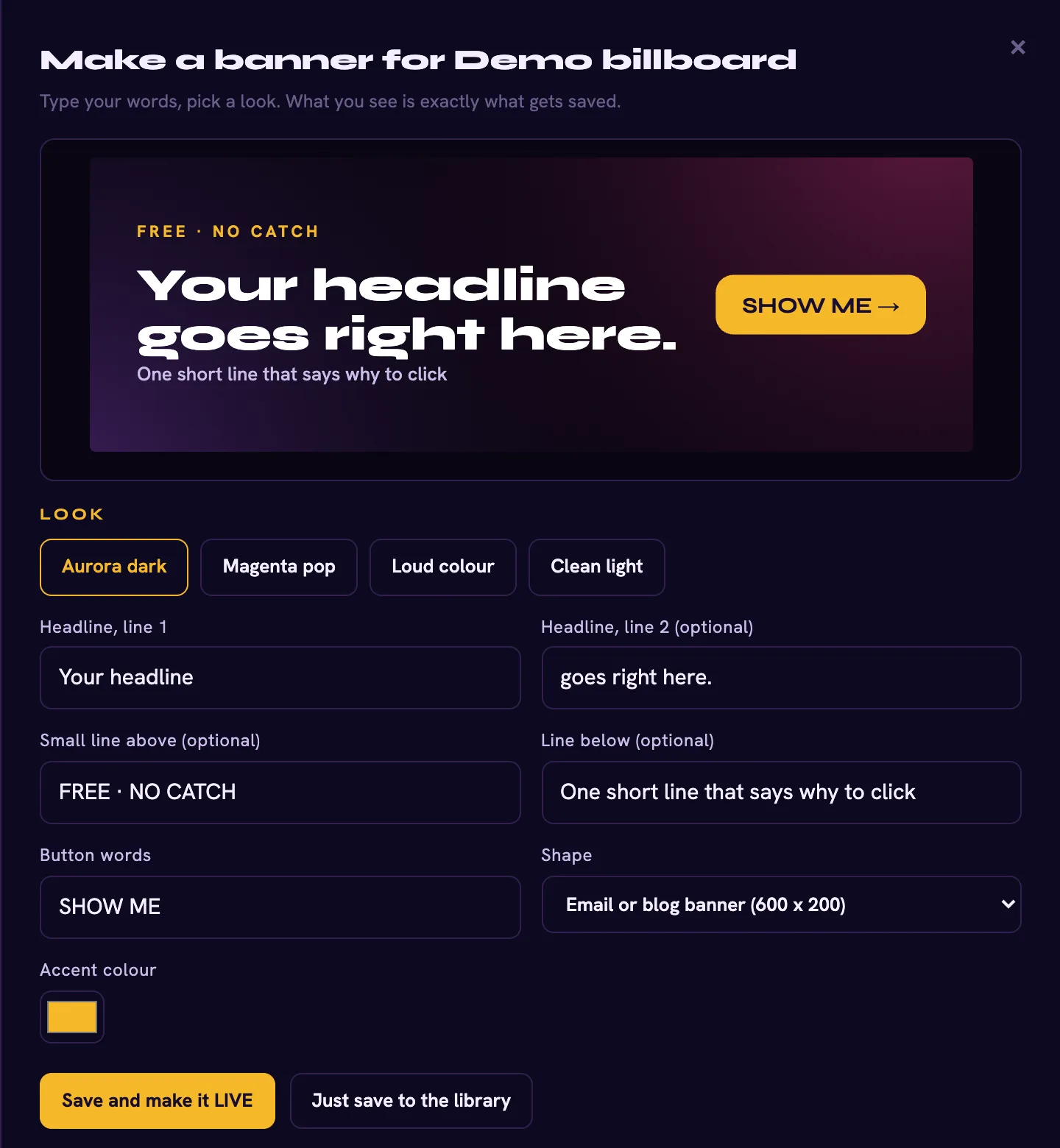
Type a headline, pick a look, done. Every banner on this page was made in the built-in Banner Maker.
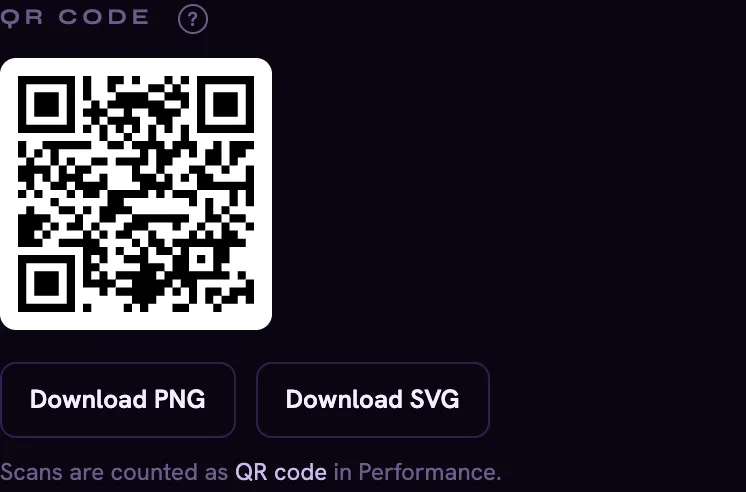
Put it on the deck once. Send people to the registration page before the webinar, the replay after, and your offer next month. Scans are counted on their own.
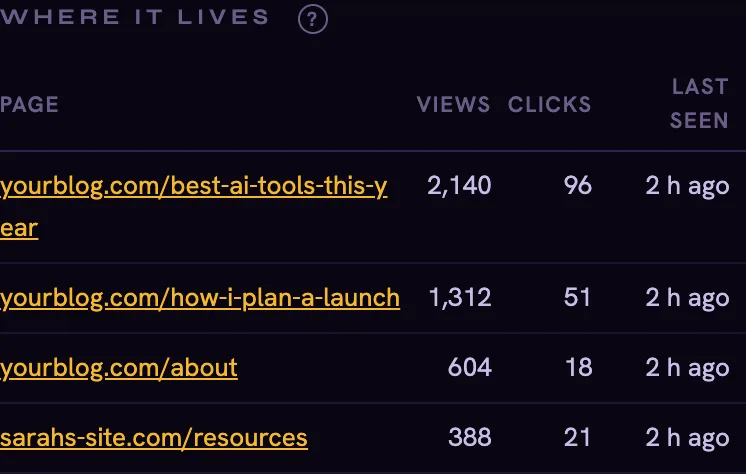
Views, clicks and click rate for every board, every source and every banner. Plus a list of every web page your banner lives on, found automatically.

These links are meant to last for years, and pages die quietly. Every destination is checked daily, and you get a warning before your clicks are wasted.
Every banner you just saw is a live BillboardMate board, served by the same system you would be using. These numbers are read straight from its dashboard, and they are real:
New product, small numbers. I would rather show you small and true than big and made up.
Why I built this
I have been sending marketing emails for over ten years. Every single one had a footer. And every one of those footers is frozen in time, still pushing whatever I was selling that week.
I wanted ONE place where I could change what all of them show. It did not exist, so I had it built for my own business first. Then I realised every marketer I know has the exact same problem.
That is BillboardMate. Nothing clever. Just the remote control your old content never had.
Every plan has EVERYTHING on this page. The only difference is how many boards you can run and how many times a month they can be seen.
Founders deal
The regular plans
A view is one banner being seen once. Clicks are never limited. Go past your views and NOTHING breaks: your banners and links keep working, and we have a chat about the next plan up.
Plant a board. Flip it. Watch an email you already sent change in front of you. If it is not for you, send one email inside 30 days and you get your money back.
No. If you can copy and paste, you can do this. You copy one snippet from your dashboard and paste it where you want the banner. There is a built-in guide, a checklist that ticks itself off, and a pretend blog post where you can see your banner live before it goes anywhere real.
If your tool lets you add an image with a link, or a block of HTML, yes. That covers GetResponse, Mailchimp, ActiveCampaign, Kit, AWeber, GoHighLevel and pretty much everything else. One honest limit: Outlook on Windows only shows the first slide of a moving carousel, so put your most important banner first.
Yes, any email that has your BillboardMate snippet in it. It cannot reach back into emails you sent before you started using it. Two things to know. The LINK updates instantly for every reader in every inbox, because the link is ours. The BANNER updates the next time the email is opened in Gmail, Outlook.com, Yahoo and most others. Apple Mail with its privacy protection switched on keeps its own copy of pictures for a while, so those readers can see the previous banner a bit longer.
A view is one banner being seen once. On websites it only counts when the banner is actually on screen. Clicks are never limited. If you go past your monthly views, nothing breaks. Your banners keep showing and your links keep working. You will see a note in your dashboard and we talk about the next plan up.
Straight answer: your boards go quiet. The banners stop showing and the links stop forwarding, everywhere you pasted them. Nothing is deleted though. Come back and they all wake up again, exactly where you left them.
That is one of the main reasons it exists. Make a partner version of any board and they get their own snippets with their ID baked in. Their clicks are counted separately. You keep control of the banner and the link, so when the next launch comes you change it once and every partner page follows.
No. A shortener changes where a link goes. BillboardMate changes the PICTURE people see as well, in emails, on websites and in your bio, and it tells you how many people saw it, not just how many clicked.
Not yet. Your boards run on ours for now. It is on the list, and I will not promise a date I cannot keep.
Every email you send from now on becomes a billboard you still own. The sooner the first one goes out, the bigger your network gets.
Get BillboardMate30-day money back guarantee. Cancel any time.